
What Does CAE Parametrization Do?
MeshWorks provides a powerful platform for full-spectrum CAE model parameterization, enabling engineers to convert conventional FE/CFD models into flexible, intelligent parametric models. Supporting crash, NVH, durability, and more, the module empowers users to run optimization studies, manage configuration changes, and accelerate virtual validation. With support for a wide range of parameter types—including geometry, section, connector, and topology—the platform integrates directly with ROM and AI/ML frameworks to streamline optimization and design space exploration.

Broadened Design Exploration
MeshWorks’ expansive parameterization options allow for deeper design trade-off studies across domains.
Optimized Weight Reduction
Enables weight and performance improvements by combining geometry tuning with multi-objective optimization.
ROM-Accelerated Optimization
Integrates parametric Reduced Order Models to dramatically reduce iteration time without sacrificing accuracy.

Fast, Scalable Iterations
Quickly implement design updates through user-friendly parameter setup and automated mesh regeneration.
Take a quick tour of
CAE Parametrization
Features of CAE Parametrization
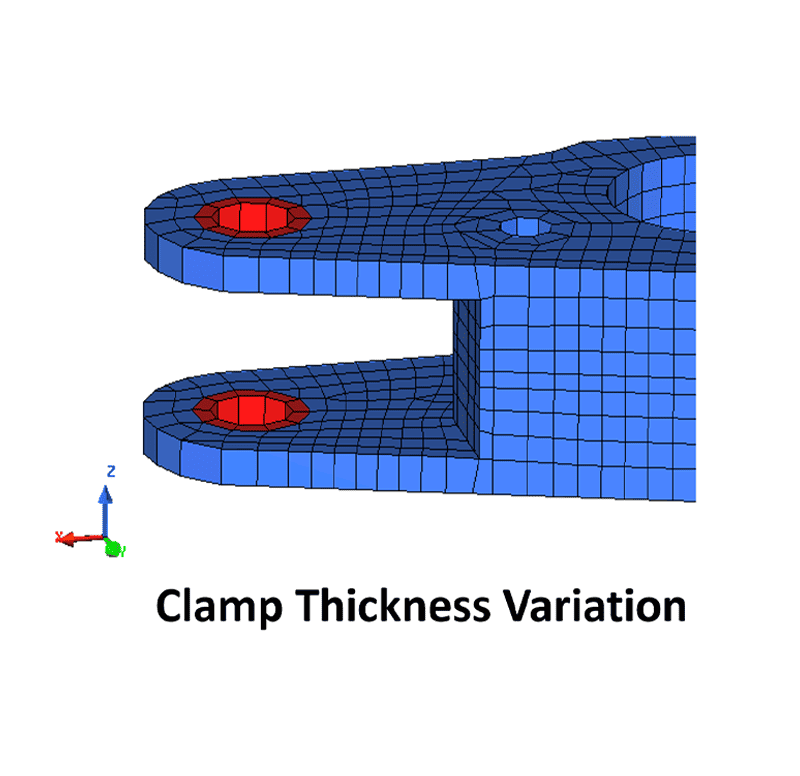
Gauge Parameters
Control material thickness variations across components for lightweighting and structural tuning.
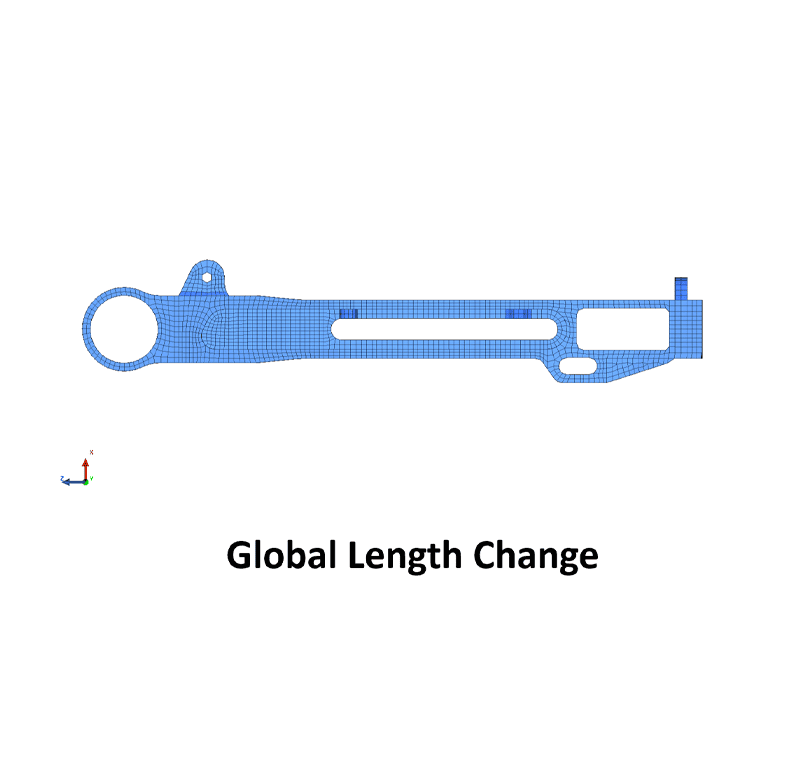
Shape & Section Parameters
Adjust beam profiles, cross-sectional dimensions, and contour curves for geometry-driven performance changes.
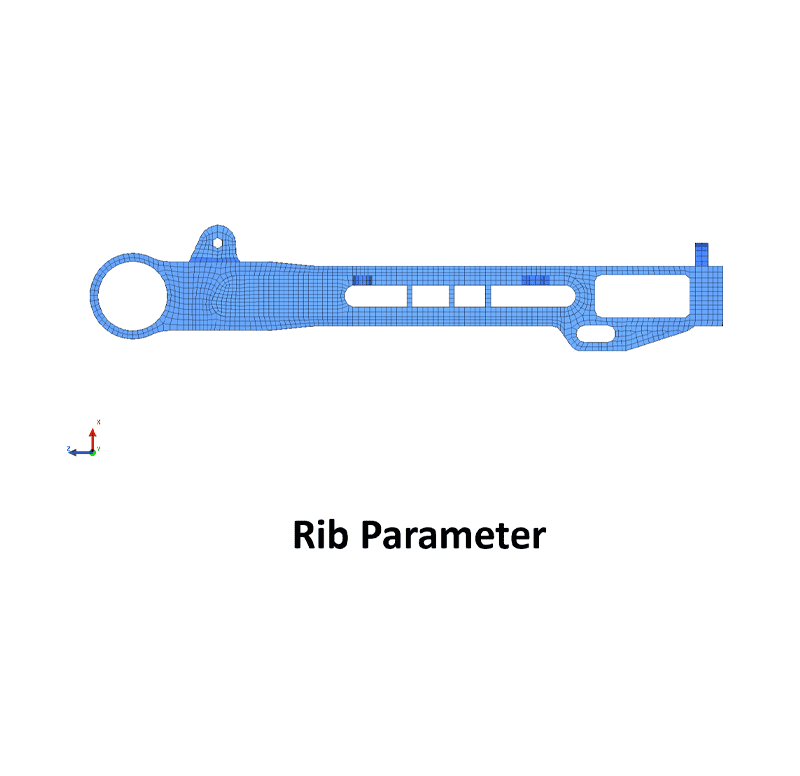
Feature-Based Parameters
Manage locations and counts of design features like ribs, holes, slots, and stiffeners.
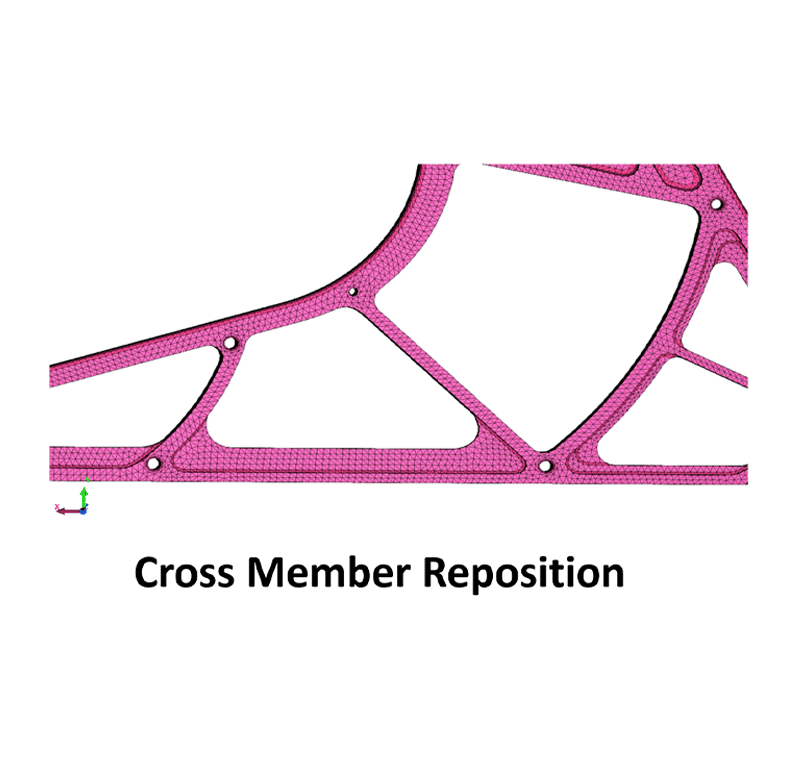
Topology Parameterization
Modify part topology, relocate members, and apply structural layout changes automatically.
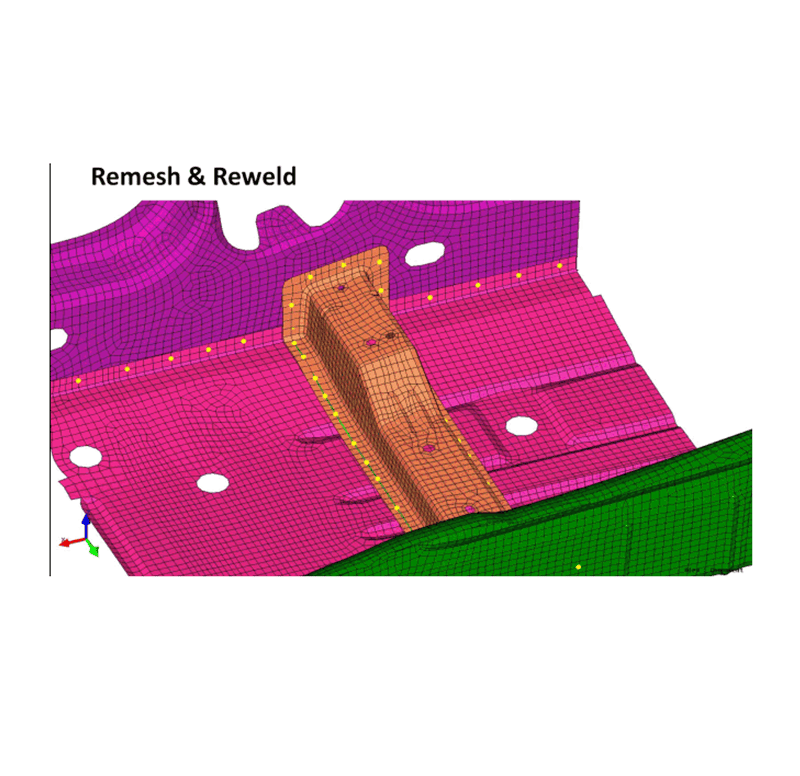
Connector & Weld Parameters
Parameterize seam spacing, pitch, adhesive lengths, and spot locations for detailed joint optimization.
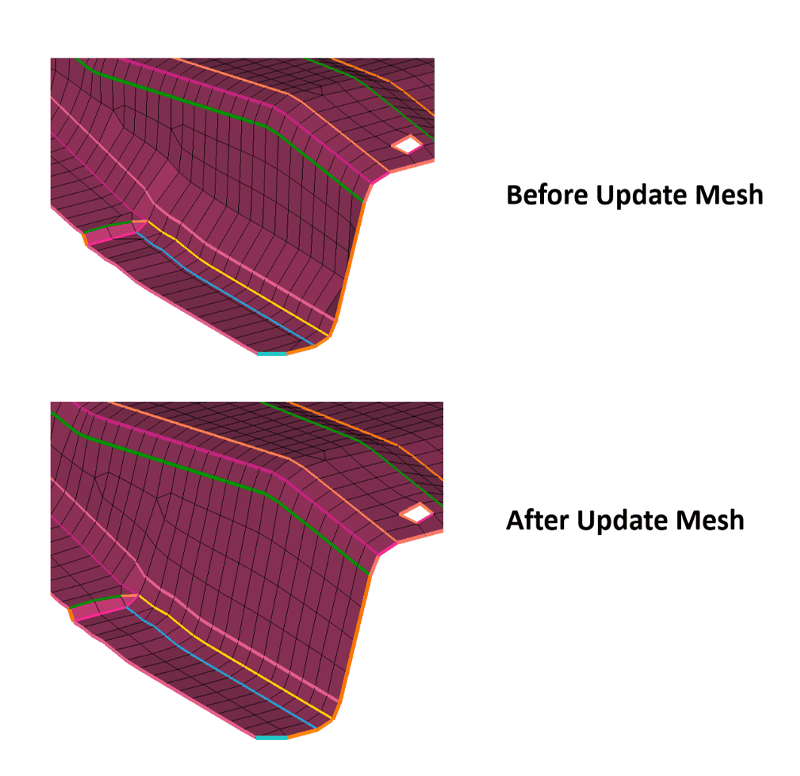
Mesh Rebuild Automation
Automatically remesh affected areas after parameter changes while maintaining mesh quality constraints.
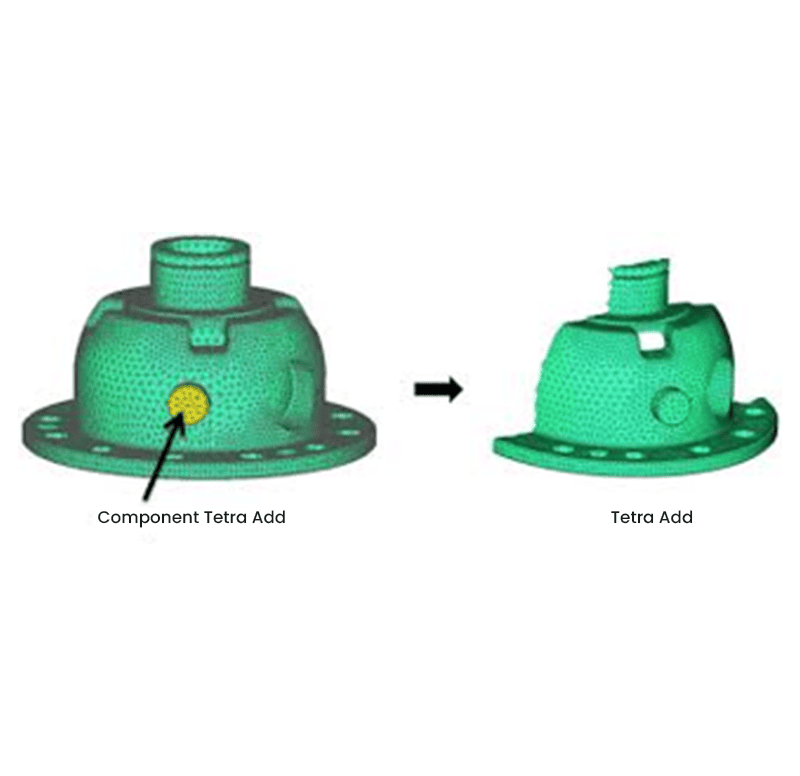
Part Toggle Parameters
Enable toggling of parts, foam, or design alternates for configuration and variant studies.
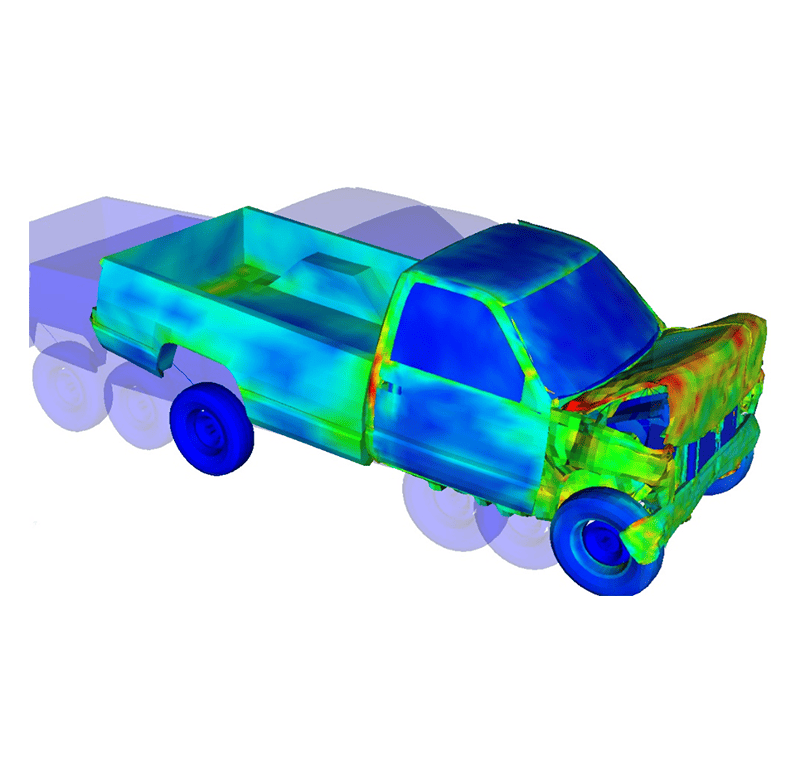
Multi-Domain Parameterization
Simultaneously manage parameters across crash, NVH, safety, and durability for cohesive system optimization.
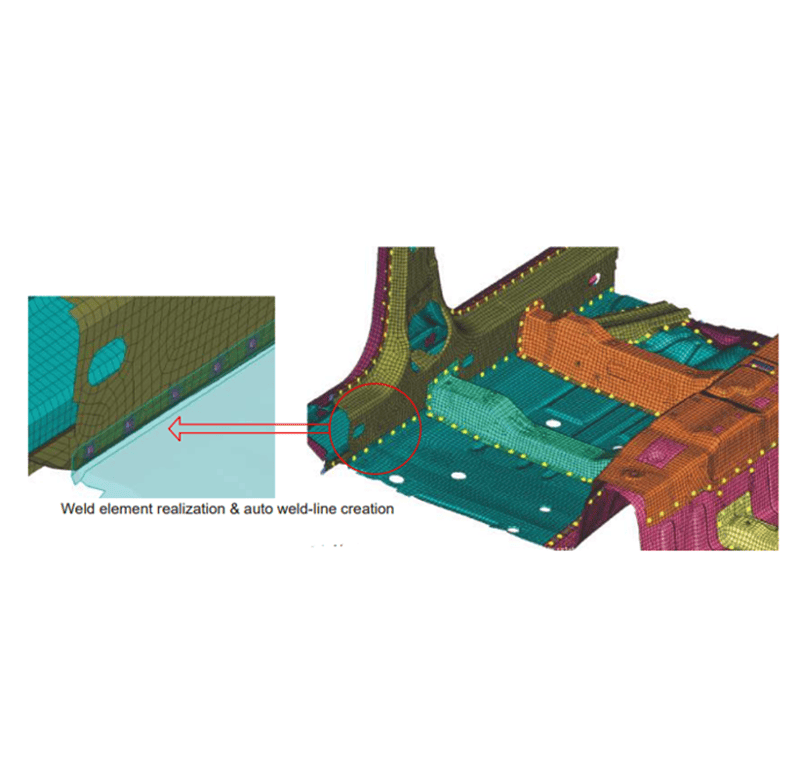
Tailor Weld Line Control
Define cut-line location for tailor-welded blanks, controlling material distribution at a localized level.
Get a Closer Look at 
Get all the details about our CAE platform’s capabilities, technical specifications, and success stories.
MeshWorks Uniqueness
MeshWorks delivers extensive parameterization tools that cover every key aspect of CAE modelling—from part thickness and weld placement to shape and connection tuning. This capability supports unified, multi-domain simulations while enabling high-efficiency optimization and configuration management. Integrated support for AI/ML and ROM allows rapid, accurate evaluations across large design spaces. MeshWorks also automates the generation of DOE-based model sets and ensures seamless propagation of design updates across all simulation domains—dramatically accelerating the engineering cycle.
Extensive Parameter Coverage
Offers the broadest parameter library in CAE, supporting geometry, connection, topology, and part toggling.

Rapid Parameter Creation
Intuitive tools simplify the definition and editing of parameters, even in large models.

Detail-Oriented Parametric Control
Supports stack-ups, weld sequencing, and complex interdependencies for high-fidelity modelling.
Integrated Multi-Domain Optimization
Links parameters across simulations for accurate and synchronized design studies across full product systems.
Technical Brief
Deep dive into the technical strengths of MeshWorks CAE Parametrization functions with comprehensive detailing using explanatory videos
Download Our MeshWorks Resources
Automatically transforms CAE models into parametric form for rapid, high-variation design iterations.
Converts FE/CFD models into parametric
Broad range of mesh-level parameters
Auto-generate multiple runnable designs

Resources
Explore our library of resources to learn more


Ready To Transform Your
Product Development?
Join leading manufacturers who use MeshWorks to accelerate innovation, reduce development costs, and bring better products to the market faster.



