
What Does Process Automation Do?
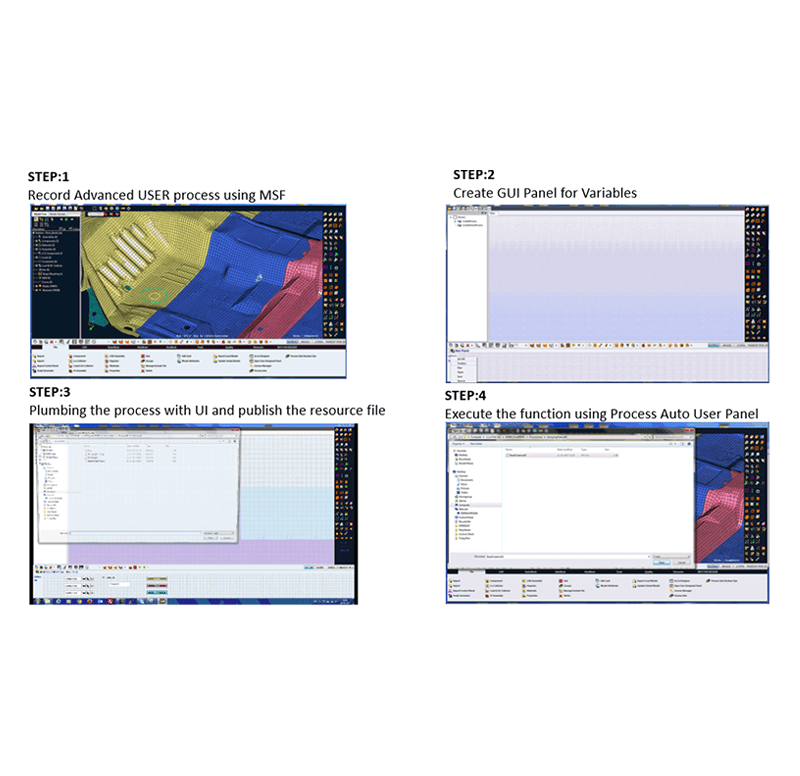
The Process Automation (PA) capability in MeshWorks enables engineers to record, customize, and execute modelling workflows through a fully visual interface. Using the intuitive Record > Create GUI > Plumb > Publish methodology, users can capture CAE tasks and convert them into reusable automation scripts—without writing a single line of code. These automation routines support repeatability, consistency, and reduced modelling time across projects, making PA a powerful tool for standardizing simulation processes across an organization.

Time-Efficient Modelling
MeshWorks PA significantly reduces the time spent on repetitive modelling tasks by automating entire workflows.

Zero Coding Required
Automations are created using a visual interface, removing the need for scripting knowledge or programming skills.

Fast Workflow Setup
Create, link, and deploy automation panels in minutes using a guided, drag-and-drop interface.

Pre-Built Automation Packages
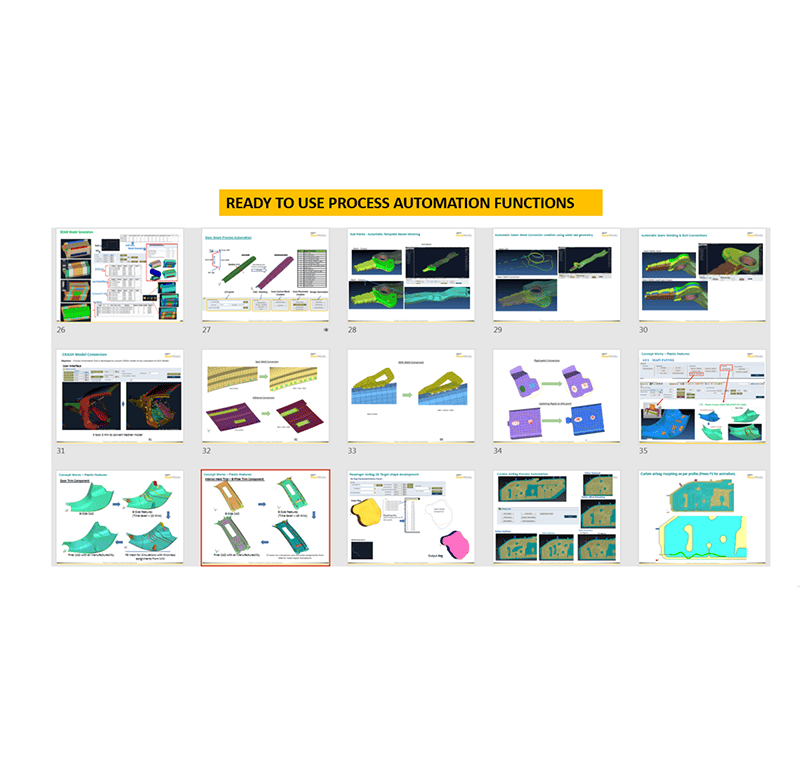
Many specific use cases are addressed through ready-to-use, pre-packaged Process Automators.
Take a quick tour of
Process Automation
Features of Process Automation
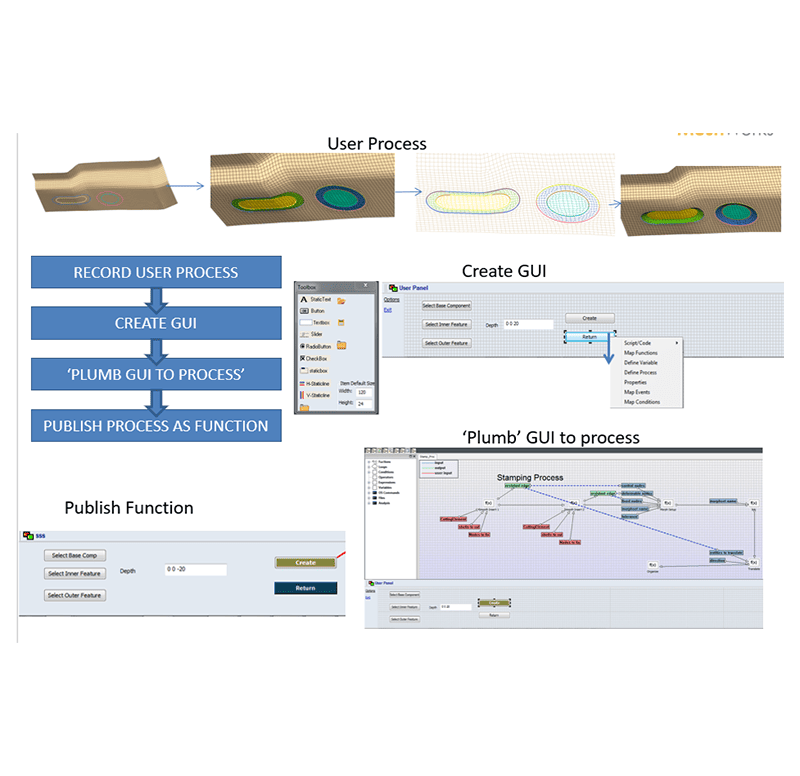
Streamlined Hex Automation
Combines advanced hex modelling tools with rapid process automation to efficiently handle repetitive CAE tasks using the Record > Create-GUI > Plumb > Publish workflow.

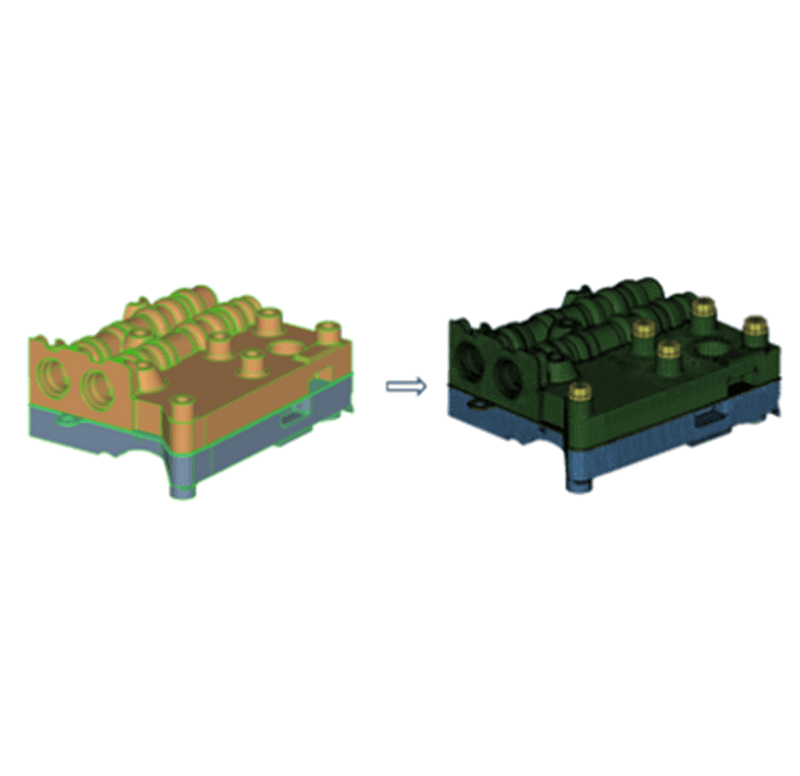
Complexity Handling
Even complex geometry and mesh creation processes can be automated without any scripting or programming expertise.
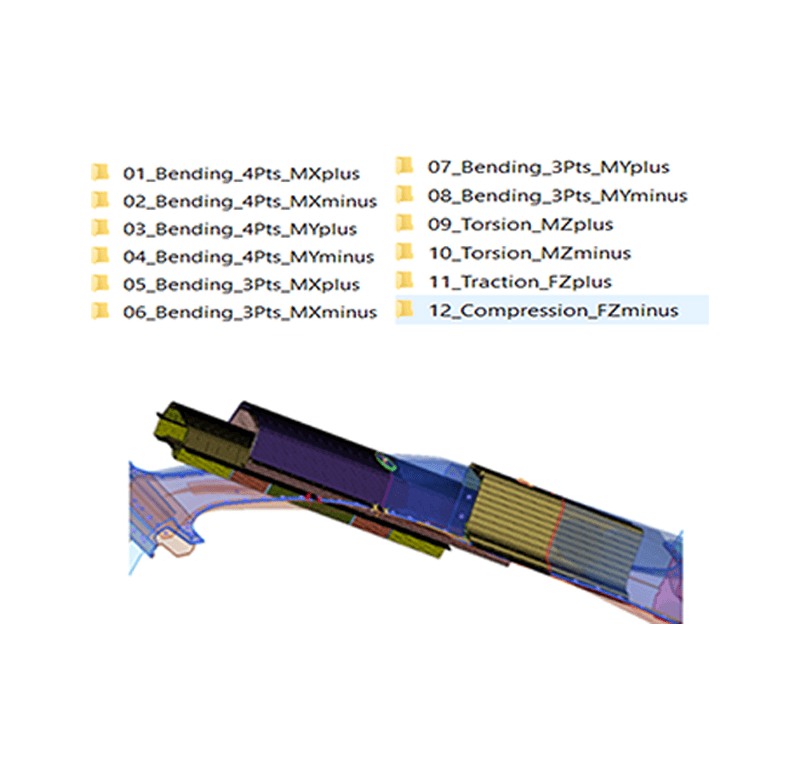
Extensive Pre-Packaged Library
MeshWorks includes over 60 specialized, pre-packaged Process Automations that serve as enabler functions for various tasks.
External Script Integration
PA functions are built with flexibility to integrate with external scripts like Python for extended functionality.

Cross-Platform Compatibility
MeshWorks PAs can be called from external environments such as TCL/TK, enabling complete bidirectional integration.
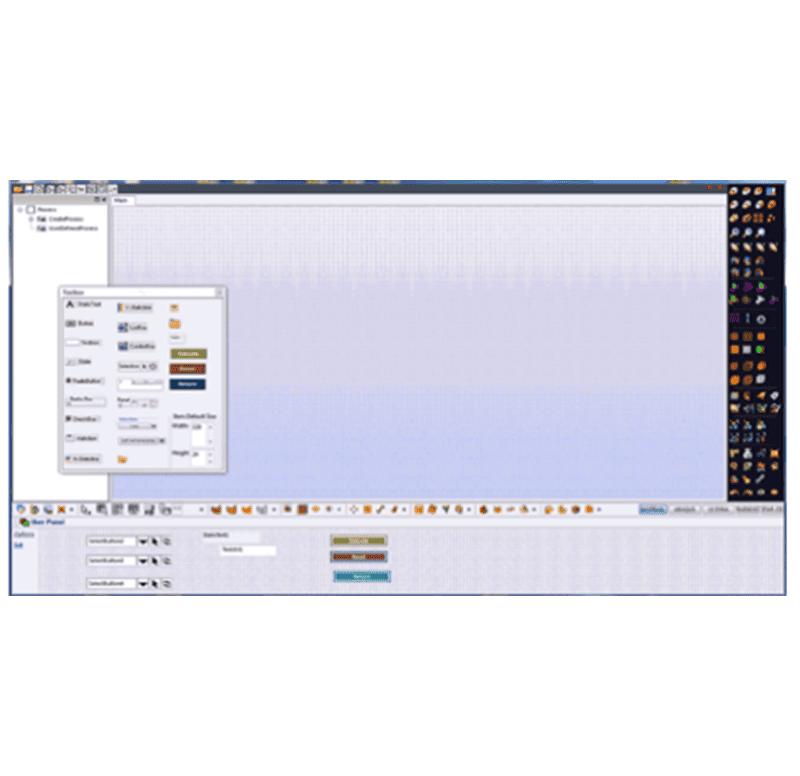
Visual Creation Interface
PA creation is visual and intuitive, eliminating the need for script-based workflows.
No Scripting Needed
Automation setup requires no programming knowledge, making the process accessible to all users.
Faster Workflow Development
The simplified PA creation process significantly reduces the time required to build automation routines.
Universal Functionality Support
PA functions are general-purpose and adaptable across a wide range of modelling and simulation tasks.
Get a Closer Look at 
Get all the details about our CAE platform’s capabilities, technical specifications, and success stories.
MeshWorks Uniqueness
MeshWorks’ Process Automation allows users to rapidly convert engineering workflows into standardized, repeatable automation routines using a four-step framework: Record, GUI Creation, Logic Plumbing, and Publish. These visual, script-free automations streamline CAD/CAE tasks across domains such as meshing, assembly, morphing, and parameterization. Whether customizing panels or deploying organization-wide automators, PA empowers teams to reduce manual effort, eliminate variation, and accelerate simulation cycles with minimal training or coding effort.

Drag-and-Drop Interface
Build automation panels quickly using a user-friendly visual environment—no coding required.

Quick Interface Linking
Easily connect interface elements to automation logic using visual plumbing.
Enterprise-Ready Automation
Deploy repeatable routines organization-wide to promote standardization and efficiency.

Extensive Built-In Library
Access 60+ specialized automation templates covering a wide range of CAE and simulation tasks.
Technical Brief
Deep dive into the technical strengths of MeshWorks Process Automation functions with comprehensive detailing using explanatory videos
Download Our MeshWorks Resources
A visual, no-code automation environment to record, customize, and publish CAE workflows – dramatically accelerating processes across team.
No-code CAE workflow automation
Drag-and-drop GUI builder
Integrates external scripts seamlessly

Resources
Explore our library of resources to learn more


Ready To Transform Your
Product Development?
Join leading manufacturers who use MeshWorks to accelerate innovation, reduce development costs, and bring better products to the market faster.



