
What Does Digital Twin Do?
The Efficient Digital Twin capability in MeshWorks enables automated, AI-driven mesh generation directly from digitized part and assembly data. By leveraging intelligent morphing technologies, this solution creates high-fidelity, defect-tolerant models that accelerate CAE workflows. Users benefit from faster parameterization, improved manufacturability, and optimized tooling performance – all within a seamless, fully automated process.
Manufacturing-Focused Design Optimization
Rapidly optimize parts, preforms, and tools for manufacturability and efficient assembly workflows.

Automated Deformation Compensation
Automatically correct for common tooling issues such as warpage and spring-back.

Instant AI-Powered Simulation
Apply AI-based simulation updates in real-time following parametric design change.
Intelligent Morphing Capabilities
Transform scanned part data into accurate digital models using AI-guided mesh morphing.
Take a quick tour of
Digital Twin
Features of Digital Twin
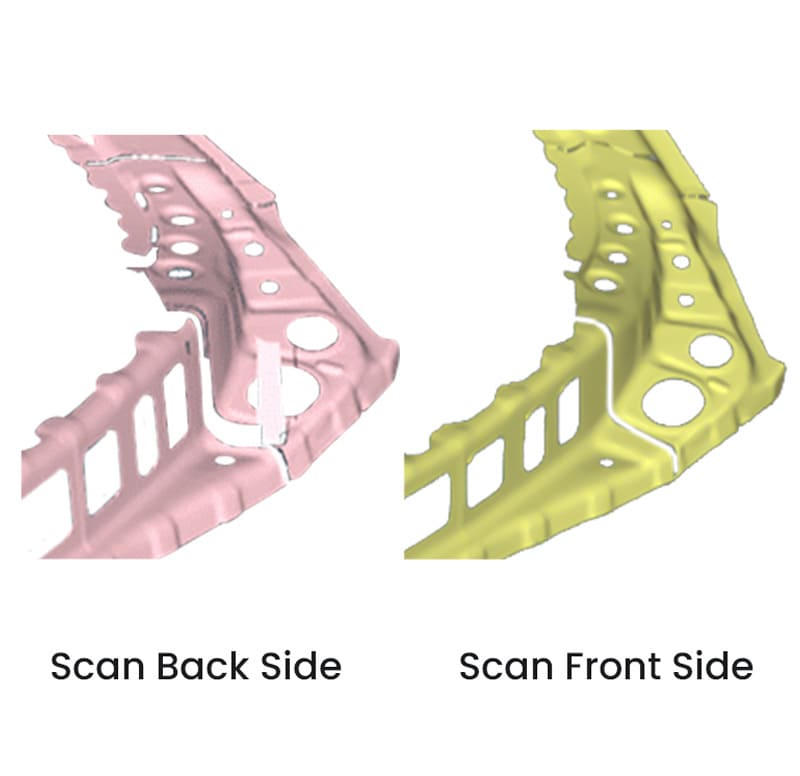
Scan-to-Mesh Conversion
Converts digitized scan data into mesh-ready models using robust morphing tools.
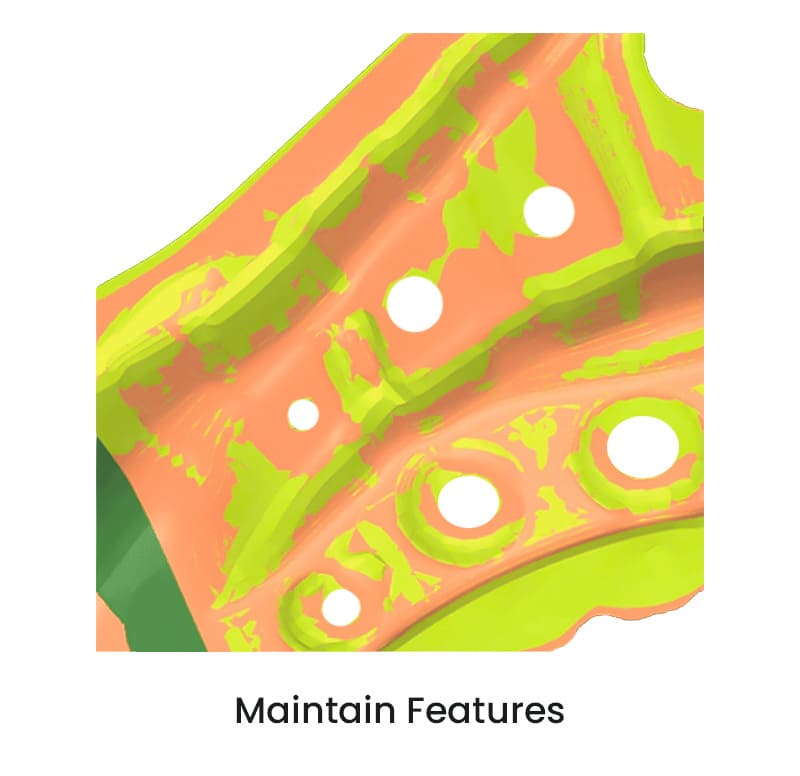
Automated Feature Alignment
AI algorithms automatically align scanned geometry with nominal CAD or mesh models.
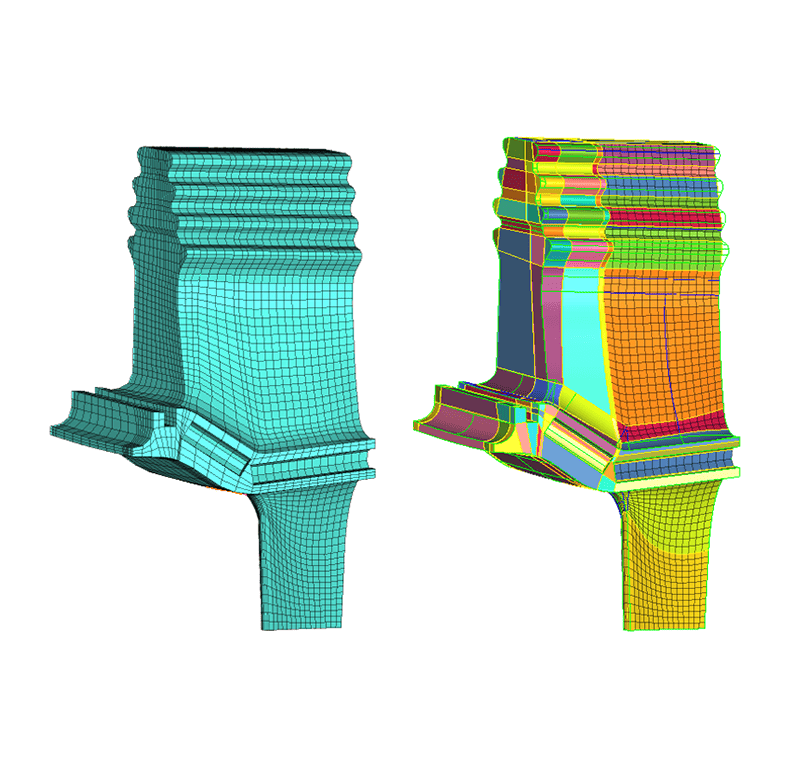
Midsurface and Solid Mesh Generation
Generates both midsurface and 3D volume meshes with precision for downstream analysis.
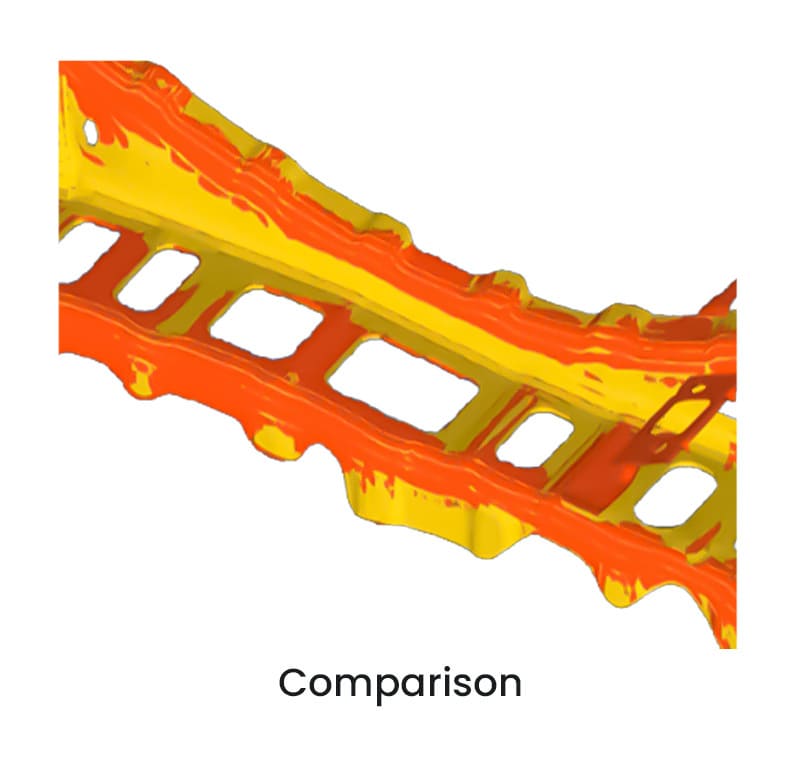
Mesh Quality Enhancement
Improves element quality and mesh fidelity, increasing simulation accuracy and reliability.
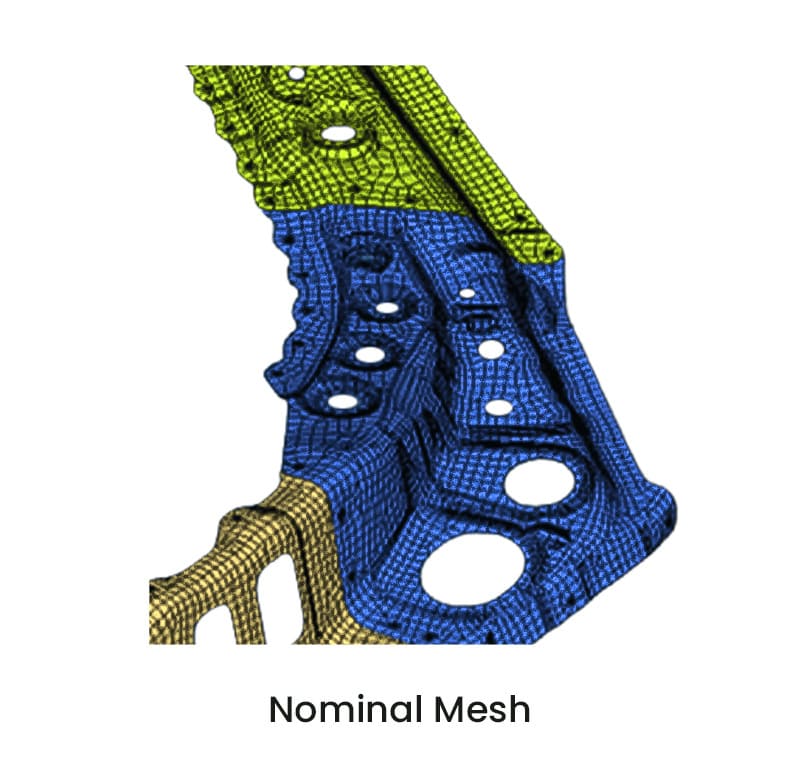
Nominal vs Actual Model Comparison
Enables direct comparison of scanned and nominal models to evaluate manufacturing deviations.
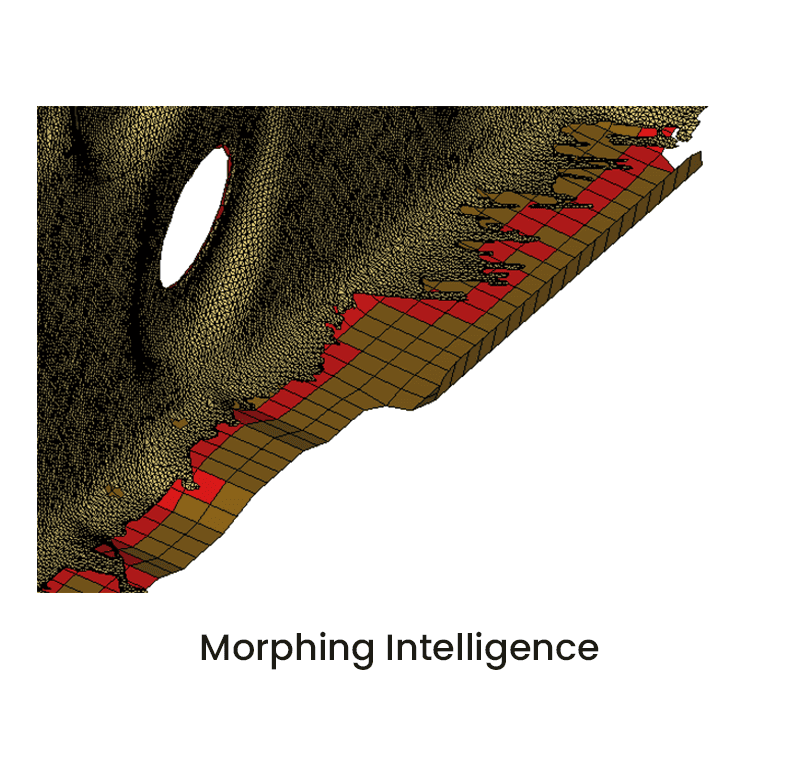
Deformation Compensation Tools
Adjusts FE models for anticipated warpage and spring-back in forming or tooling processes.
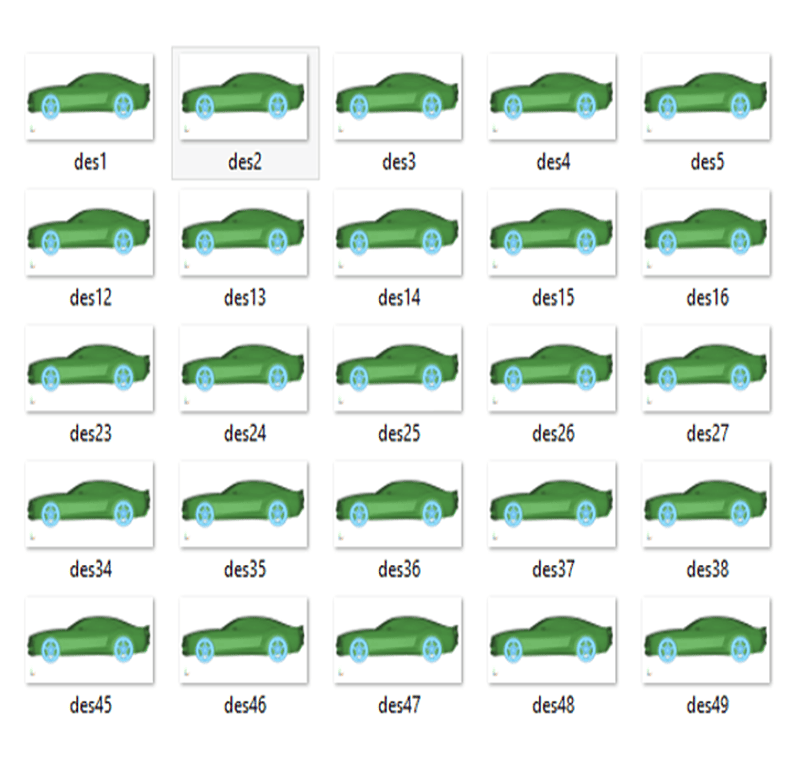
DOE-Based Optimization Support
Integrates Design of Experiments (DOE) techniques for systematic part and tool improvement.
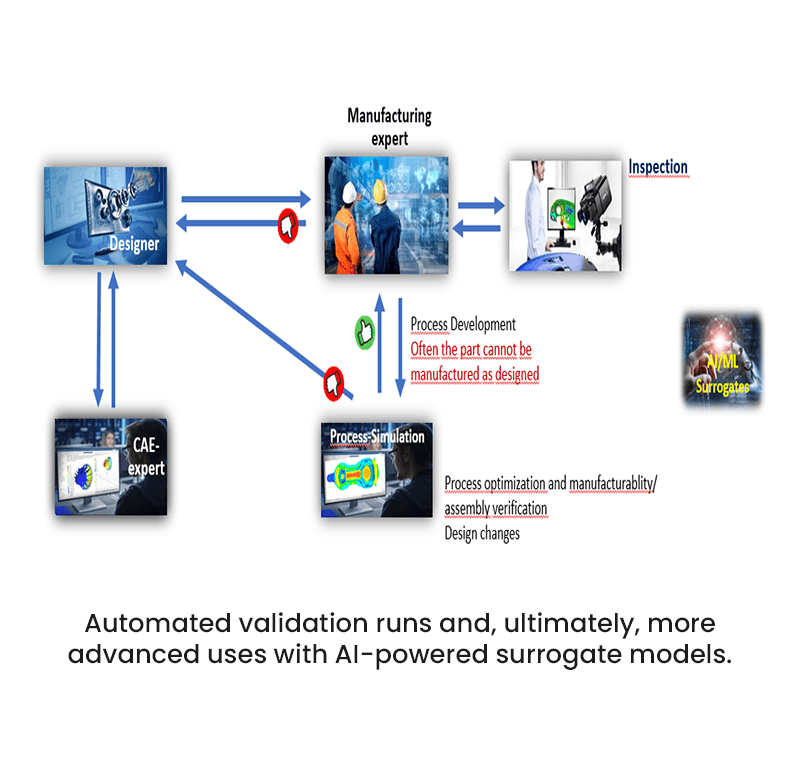
AI/ML Integration
Interfaces with MeshWorks’ AI/ML modules to enable predictive corrections and learning-based optimization.
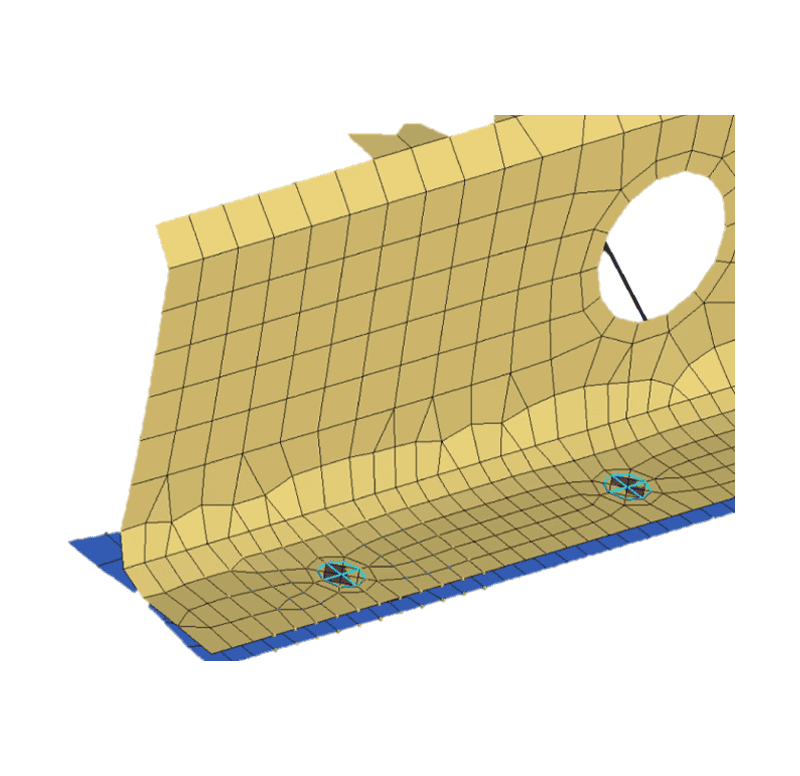
Support for Assembly Components
Capable of handling entire assemblies in morphing workflows.
Get a Closer Look at 
Get all the details about our CAE platform’s capabilities, technical specifications, and success stories.
MeshWorks Uniqueness
MeshWorks’ Efficient Digital Twin capability revolutionizes mesh generation by using AI-driven morphing to convert scanned or digitized data into simulation-ready models. It automates complex mesh transformations, compensates for manufacturing deviations, and significantly speeds up parameterization and optimization cycles. By automating and standardizing these processes, users can achieve up to 10x productivity gains while maintaining high levels of accuracy and design fidelity.

Automated Scan Morphing
Automatically morphs full FE models to align with scanned part data, minimizing manual intervention.

Intelligent Surface Detection
Recognizes target surfaces accurately—even in the presence of scan noise or surface irregularities.
Assembly Morphing with Gap Preservation
Maintains precise part spacing and stack-up order during full-assembly morphing operations.
Feature-Aware Mesh Alignment
Detects and aligns slots, holes, and circular features based on their center geometry, ensuring high-precision morphing.
Download Our MeshWorks Resources
Accurate manufacturing digital twins drive defect compensation and model alignment via AI-driven morphing.
Model alignment using AI-driven morphing
Compensates distortions across manufacturing stages
Enhances accuracy with distorted scan integration
Resources
Explore our library of resources to learn more


Ready To Transform Your
Product Development?
Join leading manufacturers who use MeshWorks to accelerate innovation, reduce development costs, and bring better products to the market faster.



